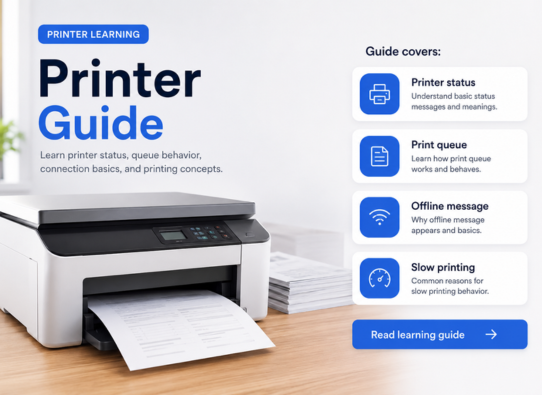
How to Connect a Printer to Your PC
Learn how computers and printers communicate through USB, Wi-Fi, printer settings, print queues, and default printer options.
Related official reading
Add or install a printer in Windows
Microsoft Support
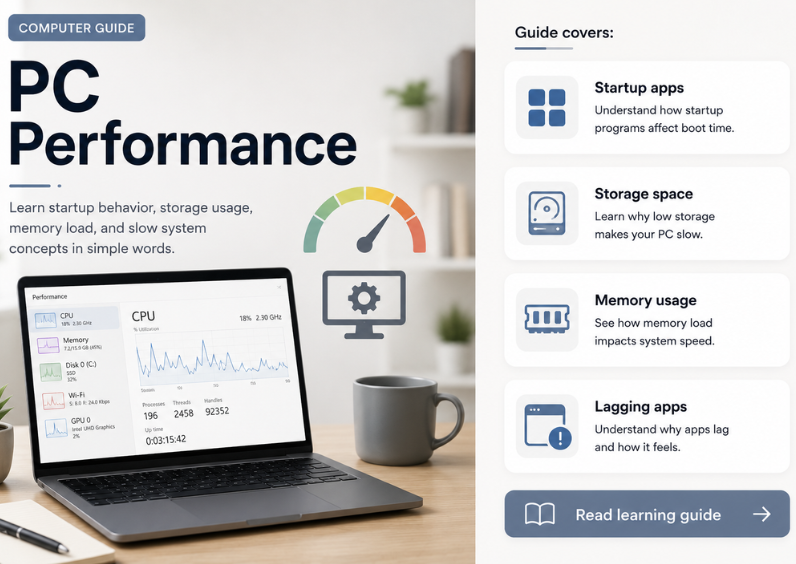
Choose a topic and read clear educational explanations about printers, routers, email, PC performance, device drivers, and Windows update concepts.
Each category is made for calm reading and topic understanding. Choose a guide area and continue with simple visual explanations.
Simple articles that explain drivers, printers, Wi-Fi, email, updates, and everyday device behavior with source-based reading.
Learn how computers and printers communicate through USB, Wi-Fi, printer settings, print queues, and default printer options.
Related official reading
Microsoft Support
Understand why drivers help a computer recognize hardware such as printers, audio devices, USB devices, and network adapters.
Related official reading
Microsoft Learn
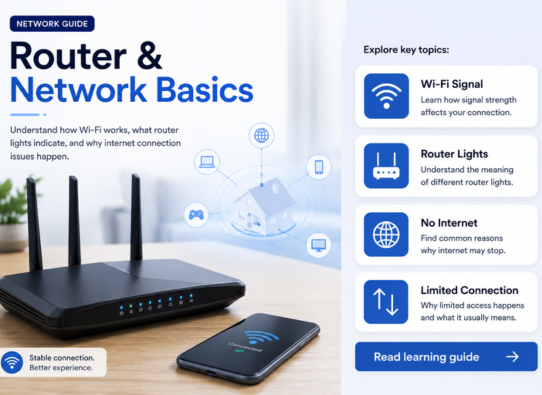
Read about Wi-Fi signals, router lights, network names, connection status, and limited or no internet messages.
Related official reading
Microsoft Support
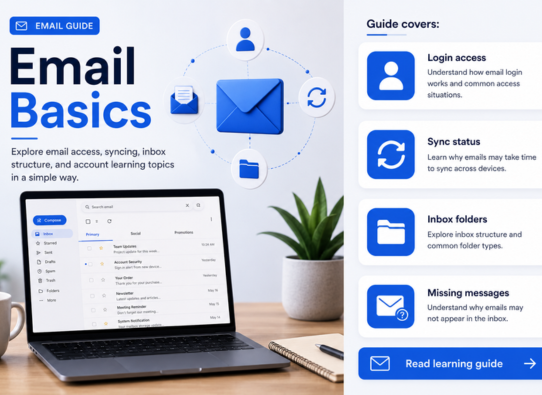
Learn how email accounts, inbox folders, syncing, spam folders, login access, and account settings are commonly understood.
Related official reading
Google Help
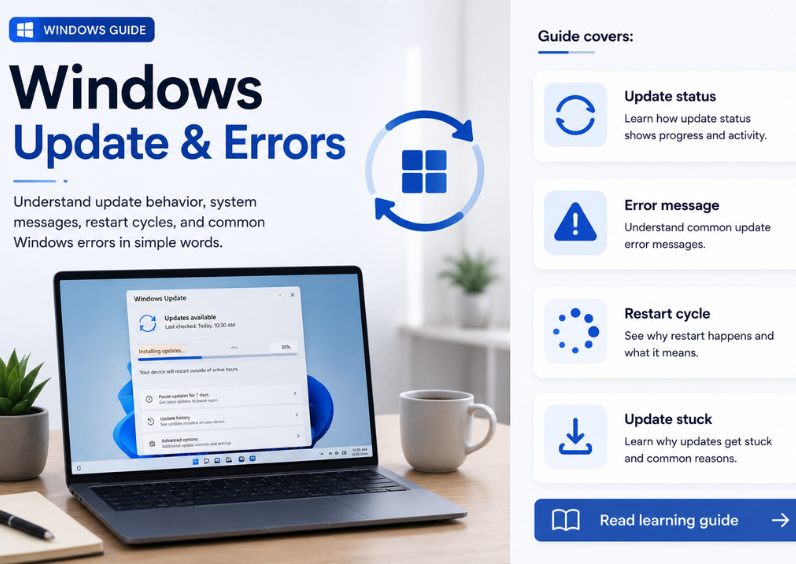
A beginner-friendly guide about update status, restart messages, update history, pending screens, and common update-related terms.
Related official reading
Microsoft Support
The guides focus on visual understanding and simple explanations so readers can match common screen scenarios with basic concepts.
Match common messages, icons, or device behavior with a related learning category.
Follow sections that explain settings, queues, updates, or device information.
Learn what the topic generally means in everyday computer use.
Use official documentation for deeper product-specific reading.
Official Documentation
These official sources are included for readers who want to verify product-specific information from original documentation.
This library explains technology topics in a learning format. It does not provide live tech support, phone support, remote access, repair, installation, software sales, or troubleshooting service.
Read detailed articles, visual guides, and source-based explanations about hardware, device drivers, updates, and common computer concepts.