Educational tech guides for everyday computer topics.
Mister Learner publishes clear educational articles about printers, routers, email systems, PC performance, software drivers, Windows updates, and common device concepts.
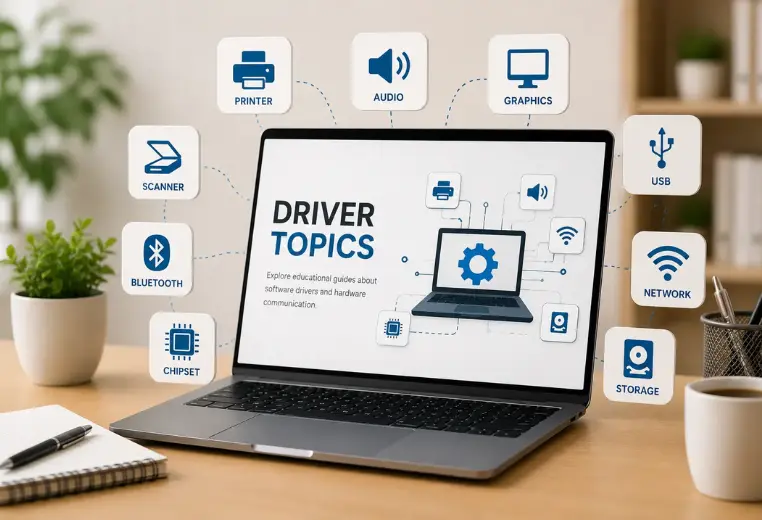
Printer Learning
Drivers, queues, status
Router Basics
Wi-Fi and networks
Email Access
Inbox and sync
Driver Concepts
Device communication
Windows Updates
Messages and status
Focused areas for simple computer learning.
Our articles are grouped around topics readers commonly want to understand before reading official product documentation.
Printer Learning
Printer status, print queues, printer discovery, default printer behavior, and printing concepts.
Router & Networking
Wi-Fi behavior, router lights, connection basics, network names, and limited connection messages.
Email Basics
Email access, syncing, inbox folders, spam folders, login access, and account topics.
PC Performance
Startup behavior, storage space, memory usage, background activity, and slow system concepts.

Our content focuses on explaining concepts rather than providing repair or support services.
Built for clear understanding, not service claims.
Mister Learner is a content-based educational website created for readers who want simple explanations of everyday digital topics.
Articles help readers understand terminology, device behavior, settings, status messages, driver concepts, and common technology terms.
Where appropriate, readers are directed to official documentation from trusted sources such as Microsoft, Google, and device manufacturers.
Concept-based articles
We explain what common technology terms generally mean.
Official reference links
We include official sources for deeper reading where relevant.
What this website does not provide.
Mister Learner is not a technical support provider. It is a reading and learning website for general awareness.
How our content is written.
We keep articles neutral, readable, and educational so readers can learn without confusing support-style language.
Simple wording
We explain topics in everyday language so beginners can understand basic terms first.
Concept-first structure
Each topic begins with what the concept means before moving into common examples.
Neutral language
We avoid repair, remote access, installation, live support, and guaranteed solution language.
Educational purpose
The website is made for learning, reading, and general awareness about common computer topics.
Official References
Sources for deeper reading.
We include official documentation links where relevant so readers can verify product-specific details from original sources.
A simple reading path for every topic.
We organize topics in a calm, readable way so users can understand what common signs generally mean.
What readers may notice
Common signs such as offline status, sync delay, slow startup, limited connection, or update messages.
What it may mean
The general concept behind those signs, written without diagnostic, repair, or service claims.
What to read next
Related learning pages and official sources for more background and clearer understanding.
New here? Start with these basics.
Clear learning without confusing technical language.
Accuracy first
We avoid fake statistics, fake claims, and exaggerated service-style promises.
Reference-based learning
We encourage readers to verify deeper information through official documentation.
Neutral language
We explain topics without claiming to repair, install, fix, or troubleshoot devices.
Educational purpose
Our website is designed for reading, learning, and general topic awareness.